Access From Anywhere
Workspaces auto-register on your tailnet for direct access from any device.
OpenCode over Tailnet, directly in the browser
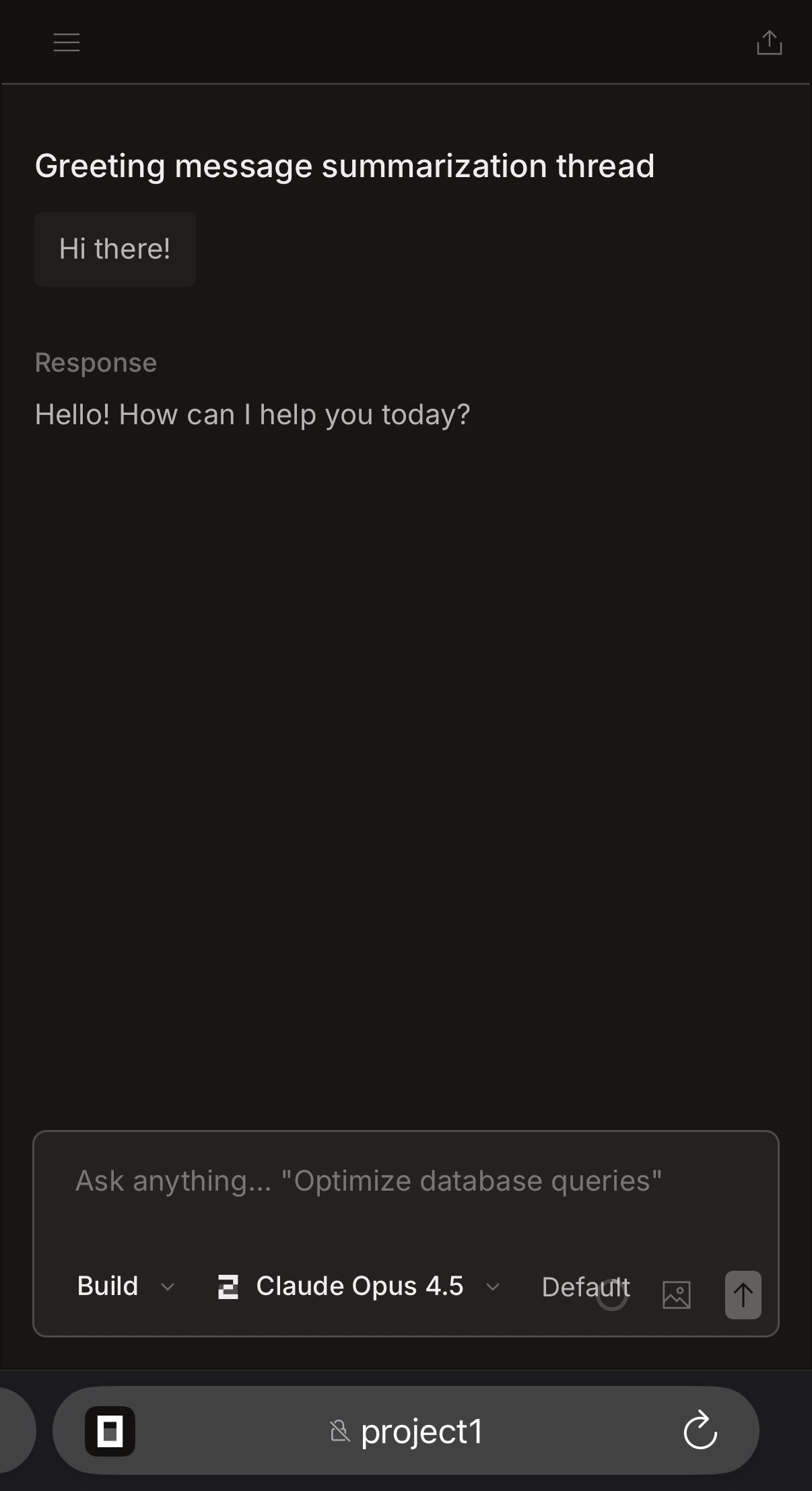
OpenCode on mobile via the workspace web UI
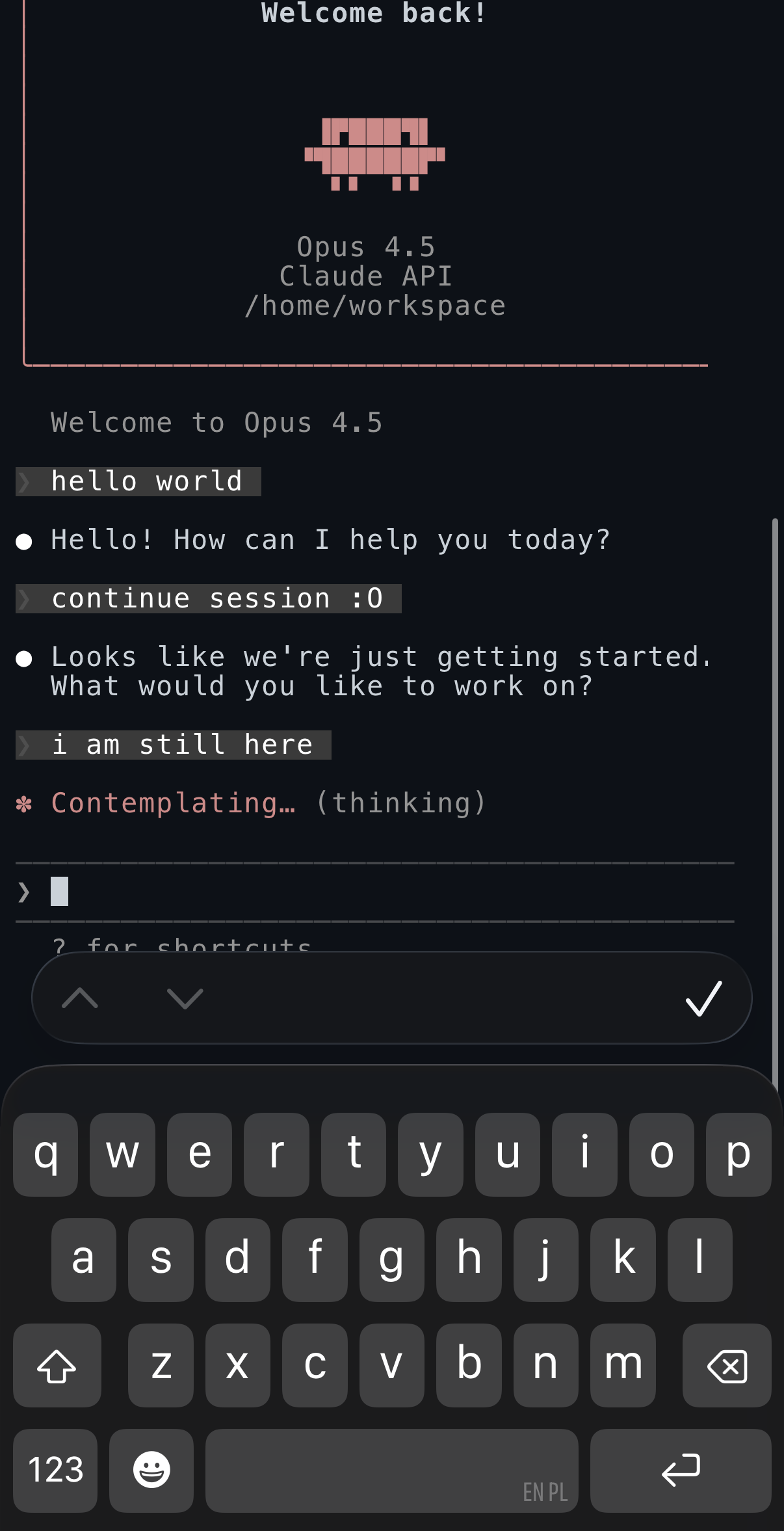
Claude Code via Perry terminal or Termius
Why Perry?
Everything you need for isolated, reproducible development environments.
Claude Code, OpenCode, and Codex CLI pre-installed. Configure once, use everywhere.
Run on your hardware. Your code, your data, your infrastructure.
Workspaces register themselves on your tailnet for direct CLI, web UI, or SSH access.
Full Docker support inside each workspace. Containerize within containers.
Your code and data survive restarts. Named volumes keep everything safe.
One command to install, one to start. SSH keys and credentials sync automatically.
Simple, Powerful CLI
Clean command-line interface for managing isolated development environments. Create, start, stop, and access workspaces with intuitive commands.
Each workspace is a complete Ubuntu environment with Node.js, Python, Go, Docker, and all your favorite development tools pre-installed.
# Install Perry
curl -fsSL https://raw.githubusercontent.com/gricha/perry/main/install.sh | bash

# Start the agent
perry agent run

# Create a workspace with your repo
perry start myproject --clone git@github.com:user/repo.git

# Connect via shell
perry shell myproject

# Or open Web UI
open http://localhost:7391
Ready to get started?
Create your first containerized development workspace in under a minute.