OpenCode Workflow
OpenCode runs as a server inside each workspace. This lets you connect from the CLI, web UI, or mobile without SSH.
Demo
OpenCode is directly accessible via the web on mobile:
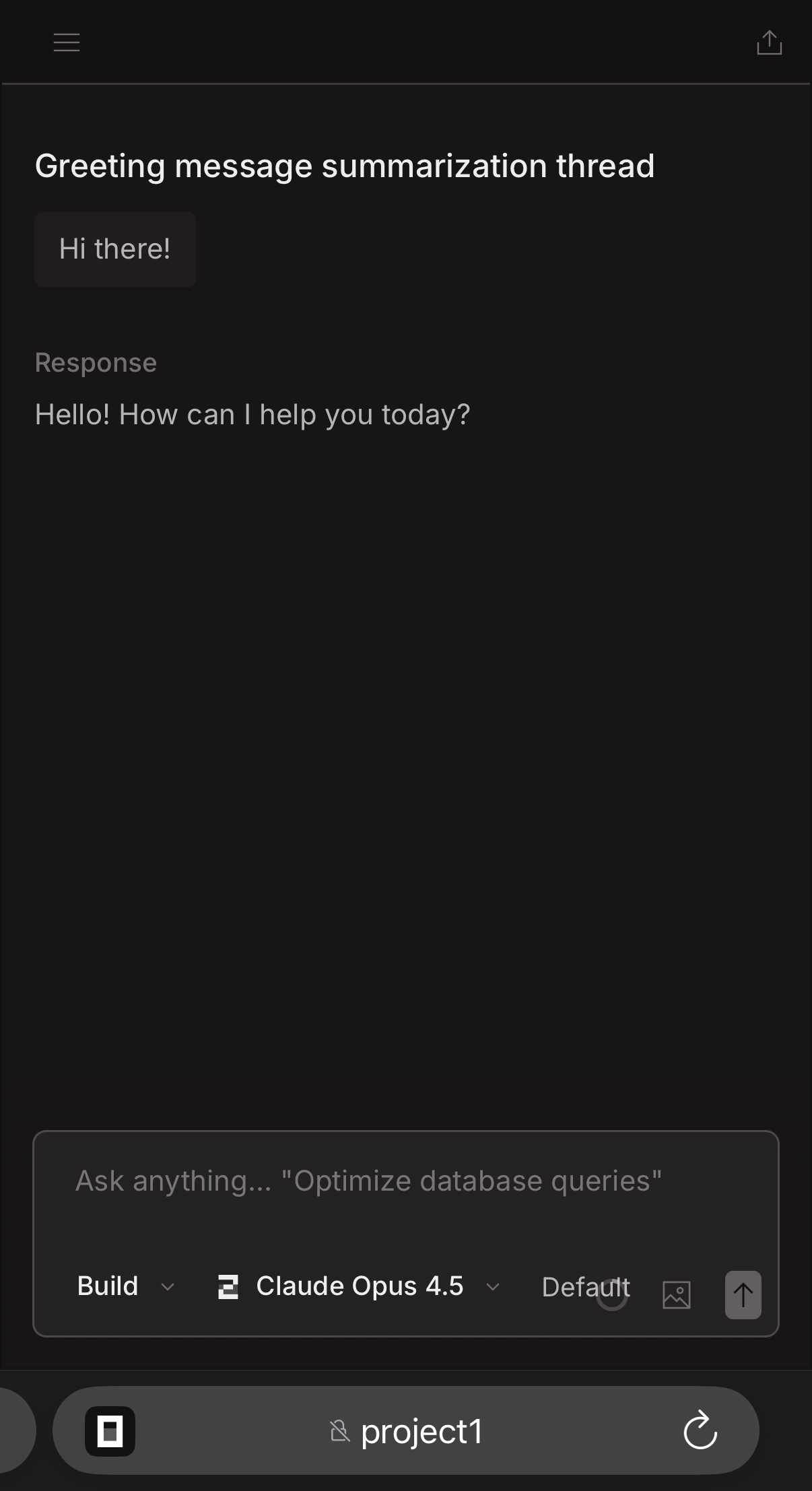
1) Configure OpenCode
Sign in on the host and let Perry sync your OpenCode config into workspaces:
~/.config/opencode/opencode.json~/.local/share/opencode/auth.json
Then set the server settings:
{
  "agents": {
    "opencode": {
      "server": {
        "hostname": "0.0.0.0",
        "username": "opencode",
        "password": "your-password"
      }
    }
  }
}
server.hostnamecontrols the bind address foropencode serve.username/passwordenable HTTP basic auth for remote access.
2) Start a workspace
perry start myproject
Perry starts opencode serve in the workspace on port 4096 when the binary is available.
3) Attach from a local machine
opencode attach http://myproject:4096
If Tailscale is enabled, myproject is the workspace hostname. Otherwise use the host IP and a forwarded port.
4) Use the web UI
Open the OpenCode web UI directly. On a tailnet, you can reach it on the workspace hostname and port 4096:
http://project1:4096
If you set a server password, your client or browser will prompt for credentials.
Notes
- For non-Tailscale setups, use
perry proxyto forward 4096. - You can also attach a TUI to a running OpenCode server from another terminal.